Auth and Your Backend Server
Introduction
The Niantic Spatial Identity Service provides an API for authorizing your users to use features of the Niantic Spatial Platform. This API is intended to be added to your existing backend server so that when users are authenticated with your app, you can request authorization tokens for the Spatial Platform.
Note: the API relies on a service account with an API key. Putting the API key in client code is strongly discouraged.
Format of the Request
Here’s the HTTP request you need to make:
- The method is POST.
- The URL for the token endpoint: https://spatial-identity.nianticspatial.com/oauth/token
- Format of the data (in JSON):
{
    "grantType": "exchange_api_key_access_token",
    "apiKey": {API_KEY}
}
- Here’s the expected response (in JSON):
{
"accessToken": {NEW_API_KEY_ACCESS_TOKEN},
"expiresAt": {EXPIRATION_TIMESTAMP_IN_SECONDS}
}
Note:
- The API key is the one you created in the Spatial Platform (see service accounts)
- The access token is a JWT token that you will need to pass back to the calling client, where it can be used to authorize the current user with NSDK.
- The expiration timestamp is the time that the token expires. It is given as the number of seconds since the Unix epoch.
A Note on Service Accounts
Service accounts are created at https://portal-web.nianticspatial.com/.
- Register an account (if you haven't already) and sign in.
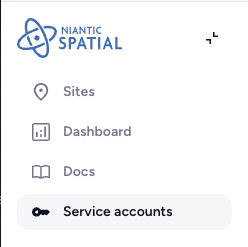
- Select 'Service Accounts' in the left-hand sidebar:
The Service Accounts Page looks like this:
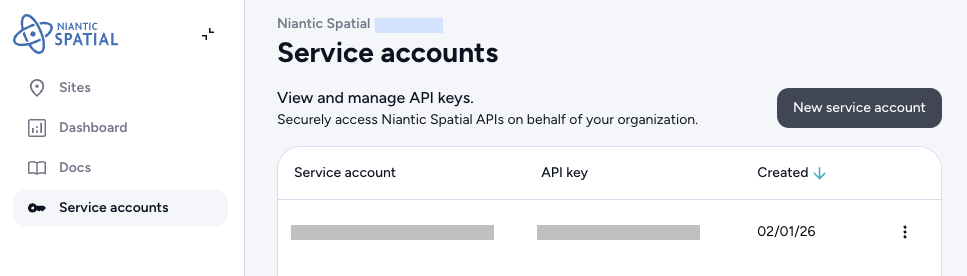
Select 'New Service Account' to create a new service account. An API key will be generated for you.