Recording and Playback
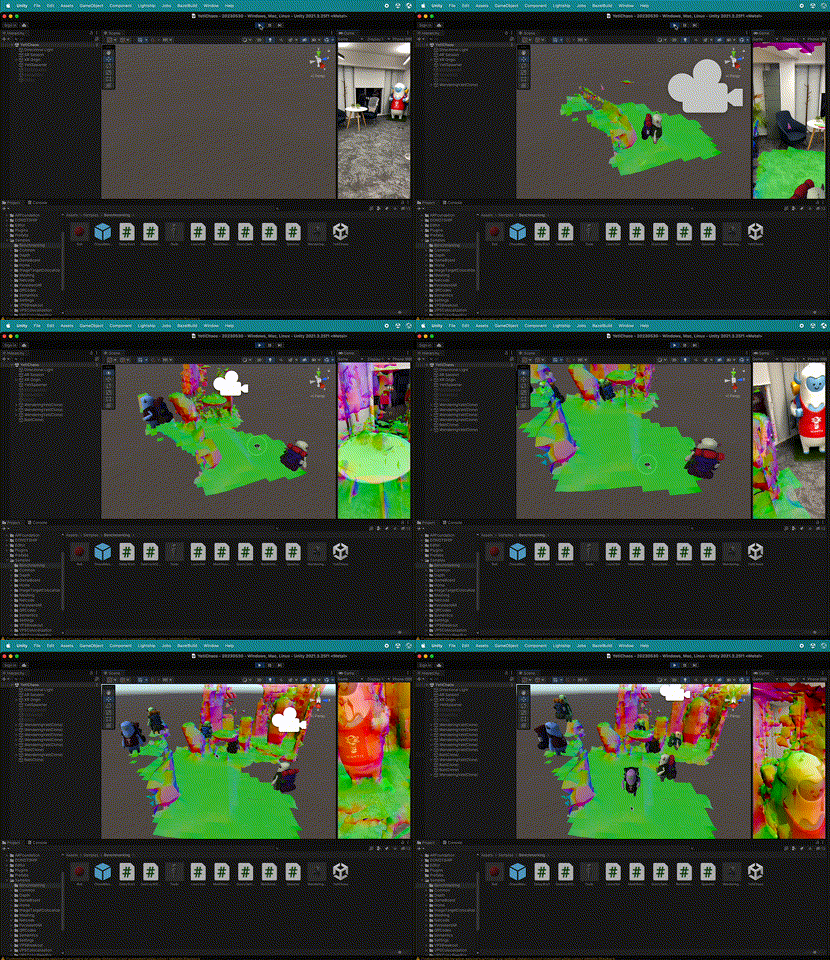
The Playback feature allows you to import pre-recorded AR sessions and re-run them during a new AR runtime session. Using Playback supplies the application with frames from an AR session recording along with other relevant data such as GPS coordinates and device pose. Developers can use this feature to create recordings of locations where they expect their users to interact with their app, then develop and test using real-world data entirely from the editor.
Playback requires an AR session recording that contains tracking data, device poses, timestamps, and location information. Standard videos captured from external cameras don’t include this metadata, so they can’t be used as Playback datasets.
To test NSDK features against a real-world location, first record a dataset on a supported device using NSDK Recording methods, then use Playback to iterate on your application.
Integration
NSDK Playback functionality integrates seamlessly into ARFoundation’s subsystems, allowing developers to use it without writing any new code. All features such as Depth, Scene Segmentation, and Object Detection should work the same as if the session was occurring in real time on a device.
After selecting NSDK as the active loader in XR Plug-in Management, you can use Playback-supported Unity subsystems during Play Mode in the Unity Editor. If your dataset includes location data, it's exposed through Unity's LocationService API.
Recording and Using Playback Datasets
NSDK 4.0 supports the creation of datasets from real-world environments for playback in the Unity Editor. For more information, see How to Create Datasets for Playback.
To get started developing with a playback dataset, see How to Set Up Playback.
Example